Marketplace product
Robot Skills
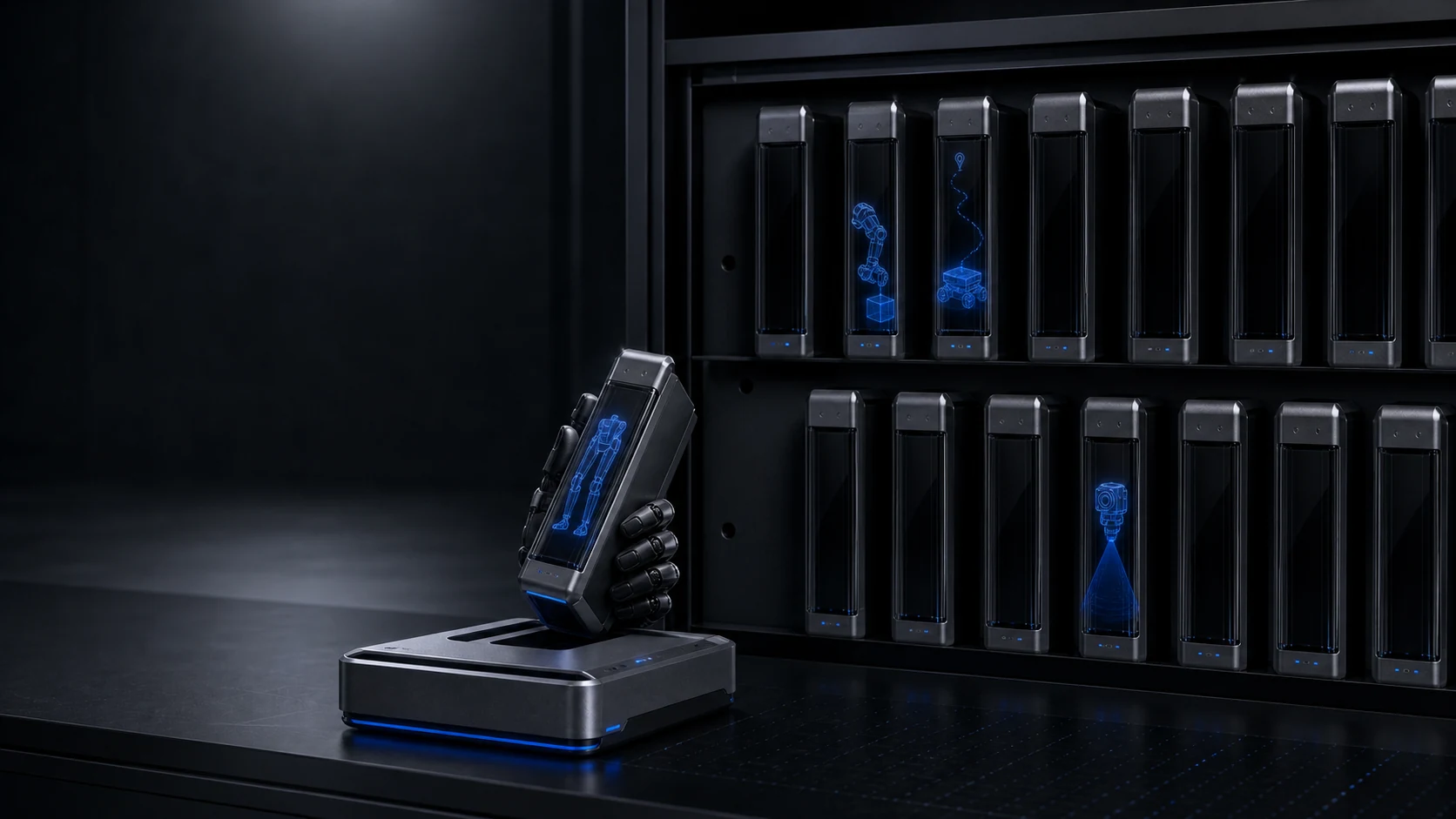
Access versioned robot skills for manipulation, mobility, perception, and task automation. Every release defines what it supports, what it requires, and how it was evaluated.
Explore Skills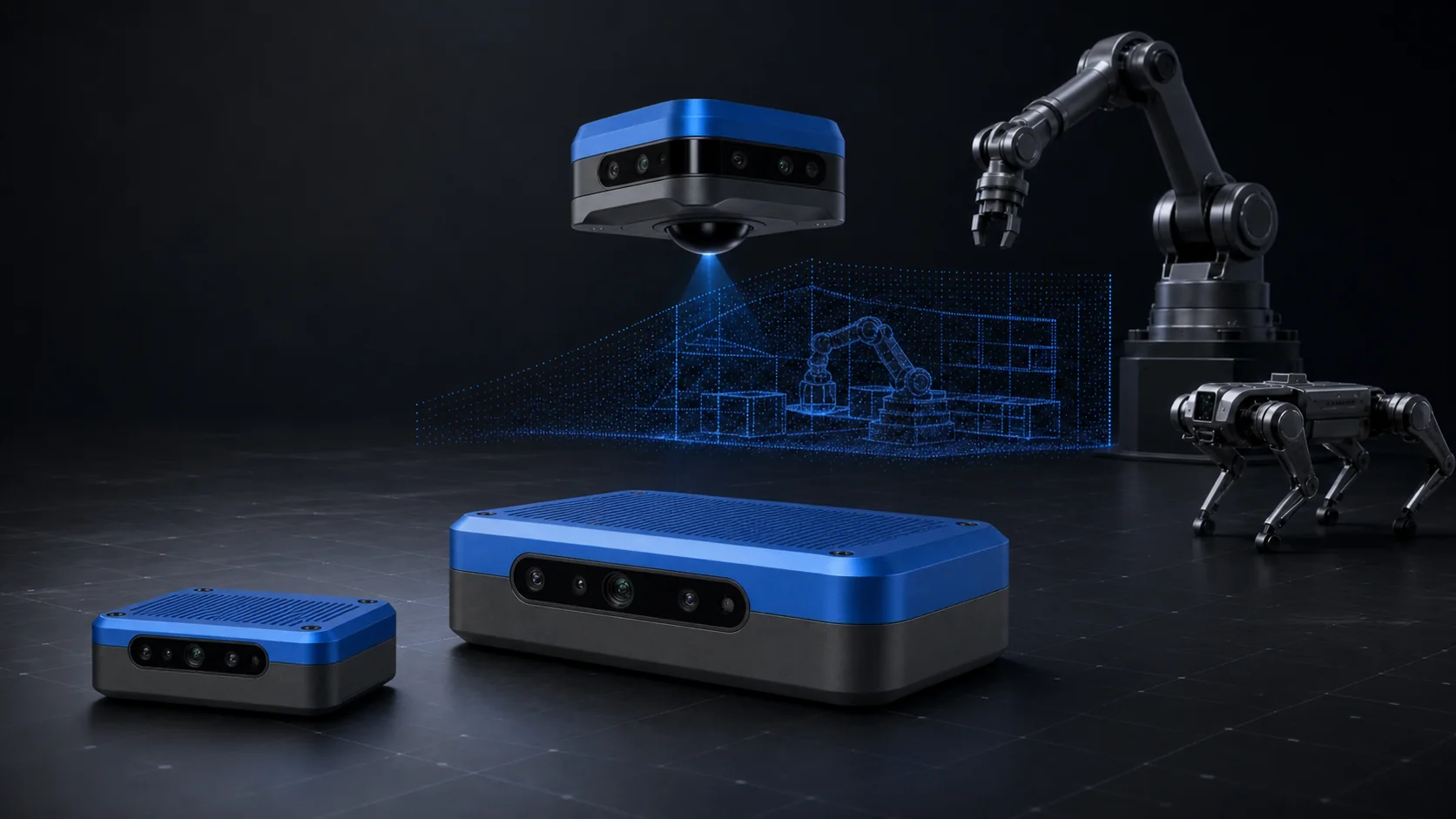
Robot learning assets, delivered as software
Access maintained robot skills, training environments, and interactive objects—or build a custom version around your workflow.
What we offer
Use each product independently or combine skills, environments, and objects into a complete training, evaluation, and deployment package.
Marketplace product
Access versioned robot skills for manipulation, mobility, perception, and task automation. Every release defines what it supports, what it requires, and how it was evaluated.
Explore Skills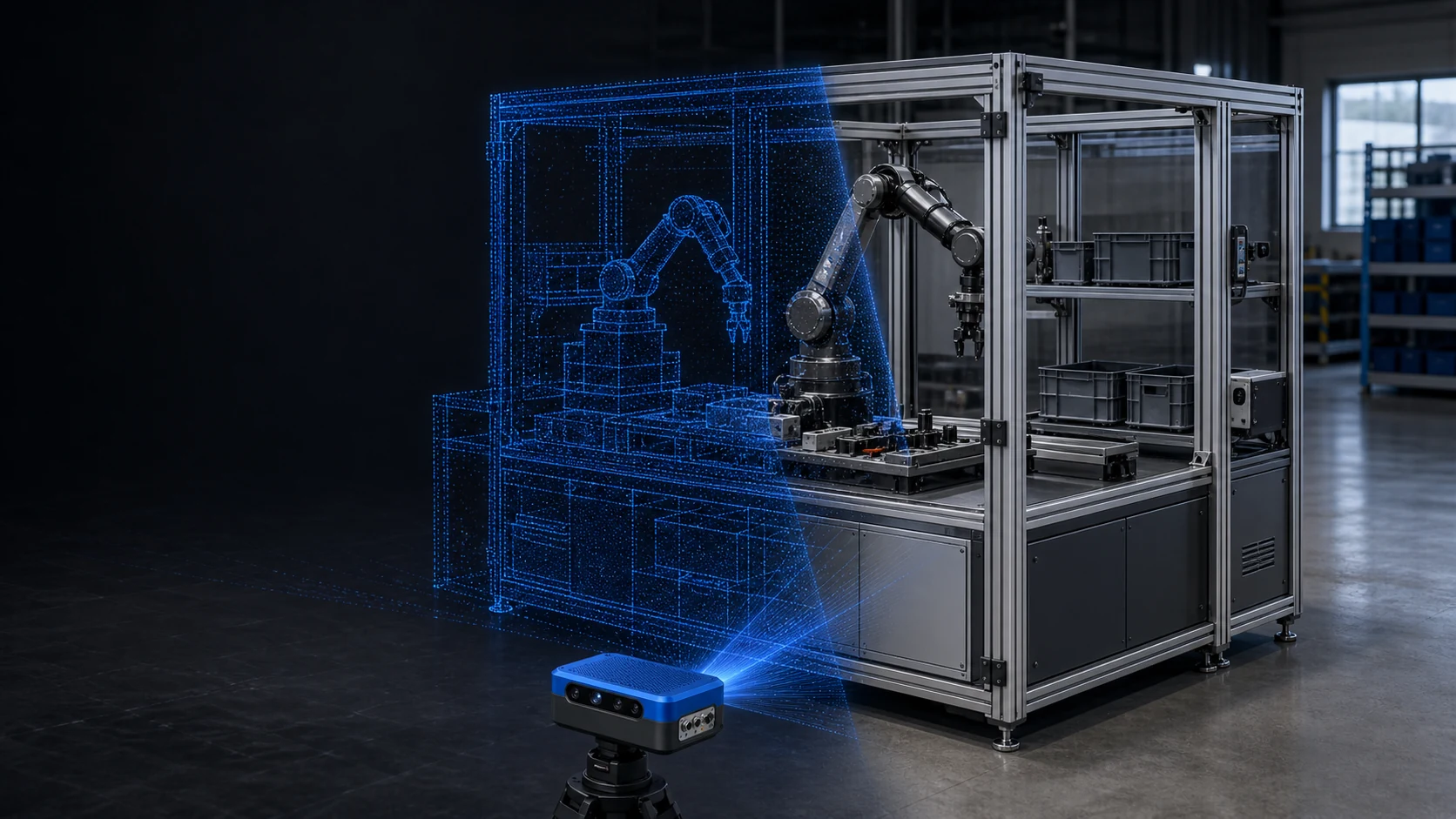
Marketplace product
Use simulation-ready homes, offices, warehouses, and industrial cells with defined geometry, physics, scenarios, and variation—without rebuilding every scene from scratch.
Explore Environments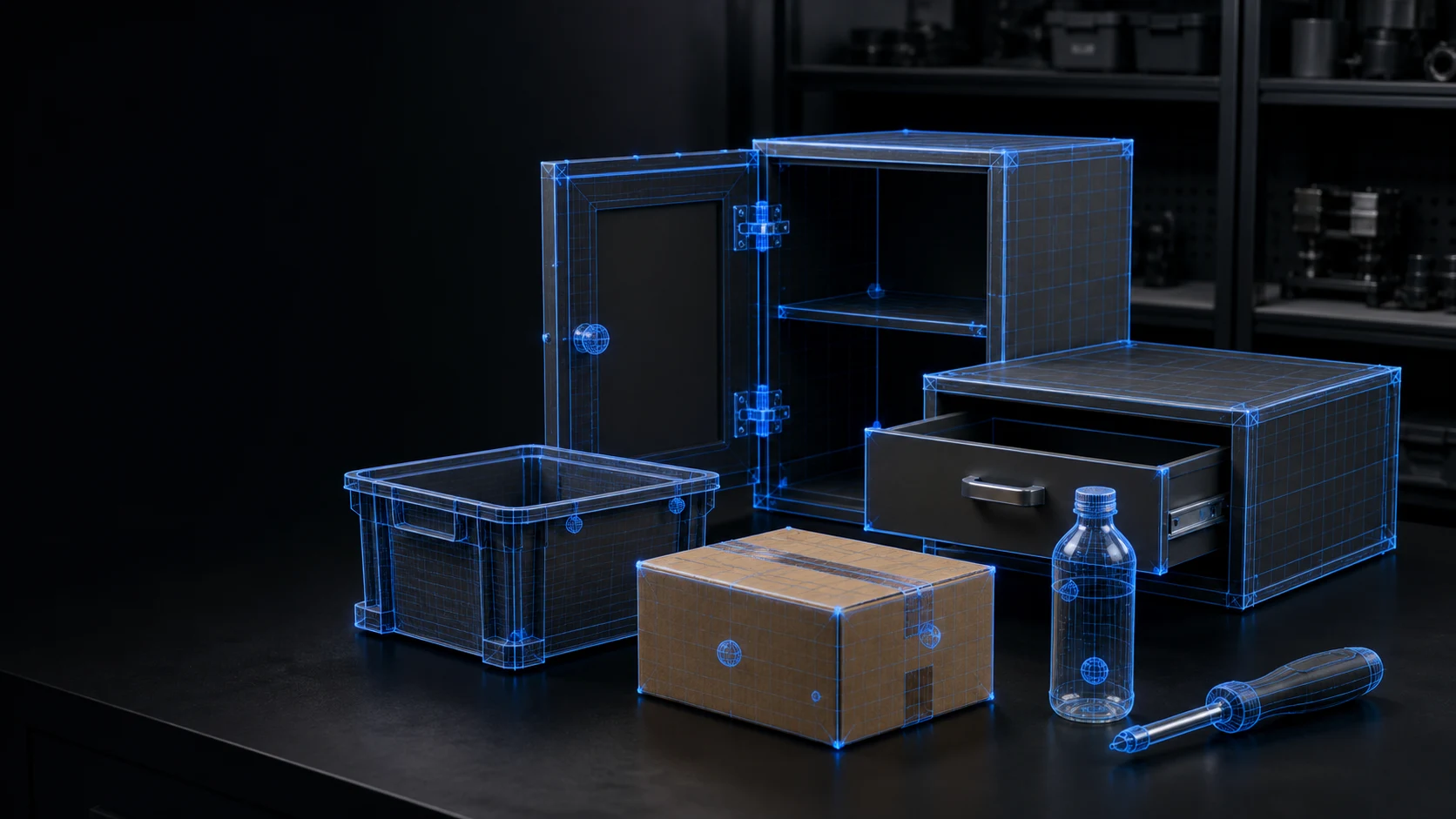
Marketplace product
Add reusable, physics-aware objects to training environments with collision geometry, articulation, materials, affordances, grasp information, and controlled variation.
Explore ObjectsHow the system works
SkillOps keeps versions, compatibility, provenance, rights, and evidence connected. OpenBrain runs supported skills on the robot.
SkillOps
Build and maintain
OpenBrain
Run and observe
Choose a skill, training environment, interactive object package, or a complete task stack.
Confirm robot, simulator, sensors, actions, compute, formats, and validation requirements.
Use the release as delivered or build a custom version around your workflow.
Train, evaluate, and deploy with explicit versions, evidence, telemetry, and rollback.
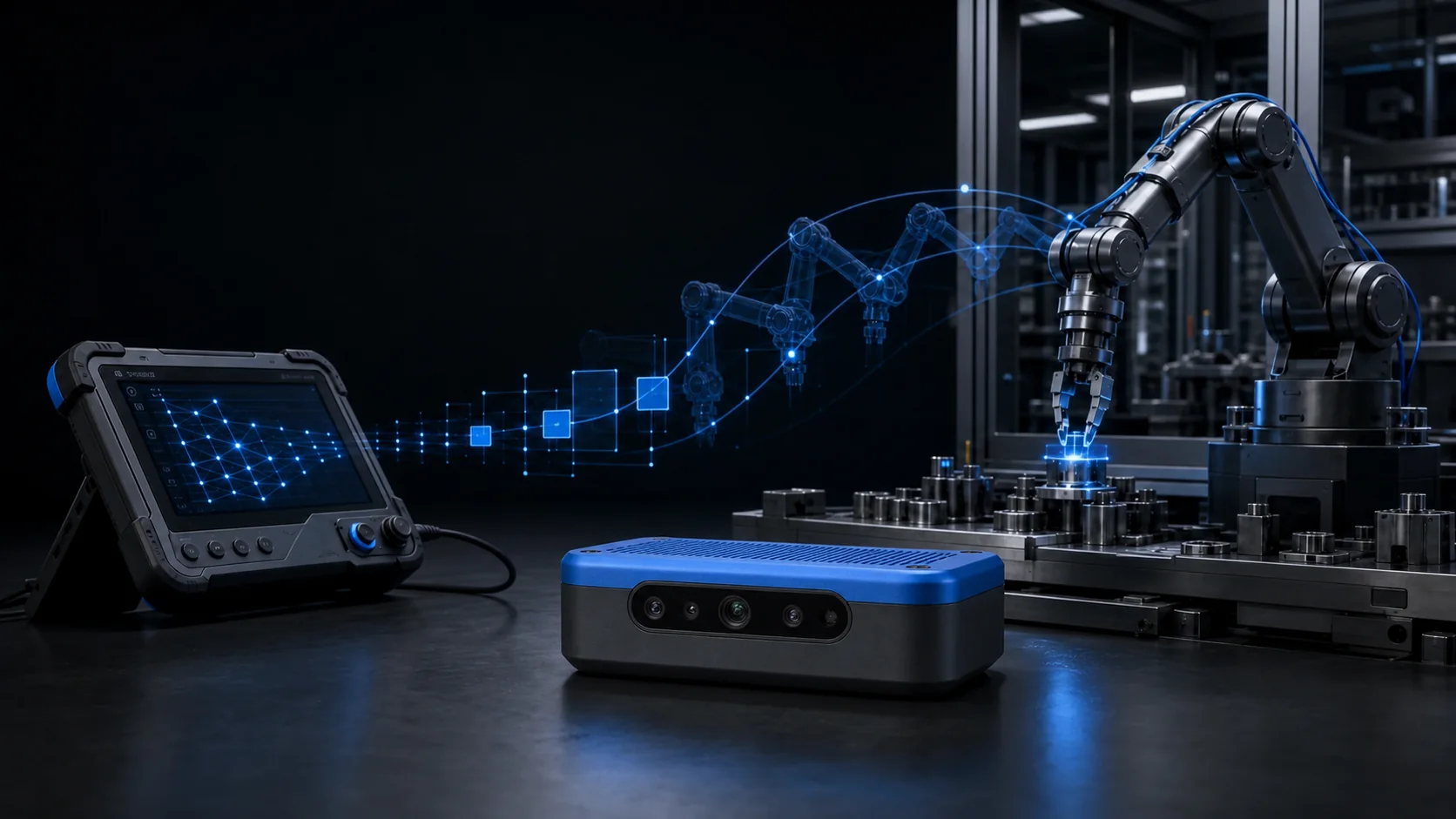
Built for your process
Your robot · Your task · Your environment · Agreed data rights
Custom Data Factory
We build the dedicated Data Cell and production workflow around your task—then deliver a private skill, training environment, object library, or a complete package combining all three.
Design the cell
Robot, sensors, teleoperation, task, and success criteria.
Collect the data
Synchronized observations, actions, outcomes, and recovery cases.
Train + evaluate
Governed dataset revisions, model training, and explicit gates.
Deliver the package
Versioned skills, environments, objects, and deployment requirements.
Customer programs are private by default. Any shared, licensed, or catalog use is agreed before collection.
Kinematics hardware
Use your compatible compute or add a matched Kinematics box. Add Halo when the workcell needs a stationary spatial view.
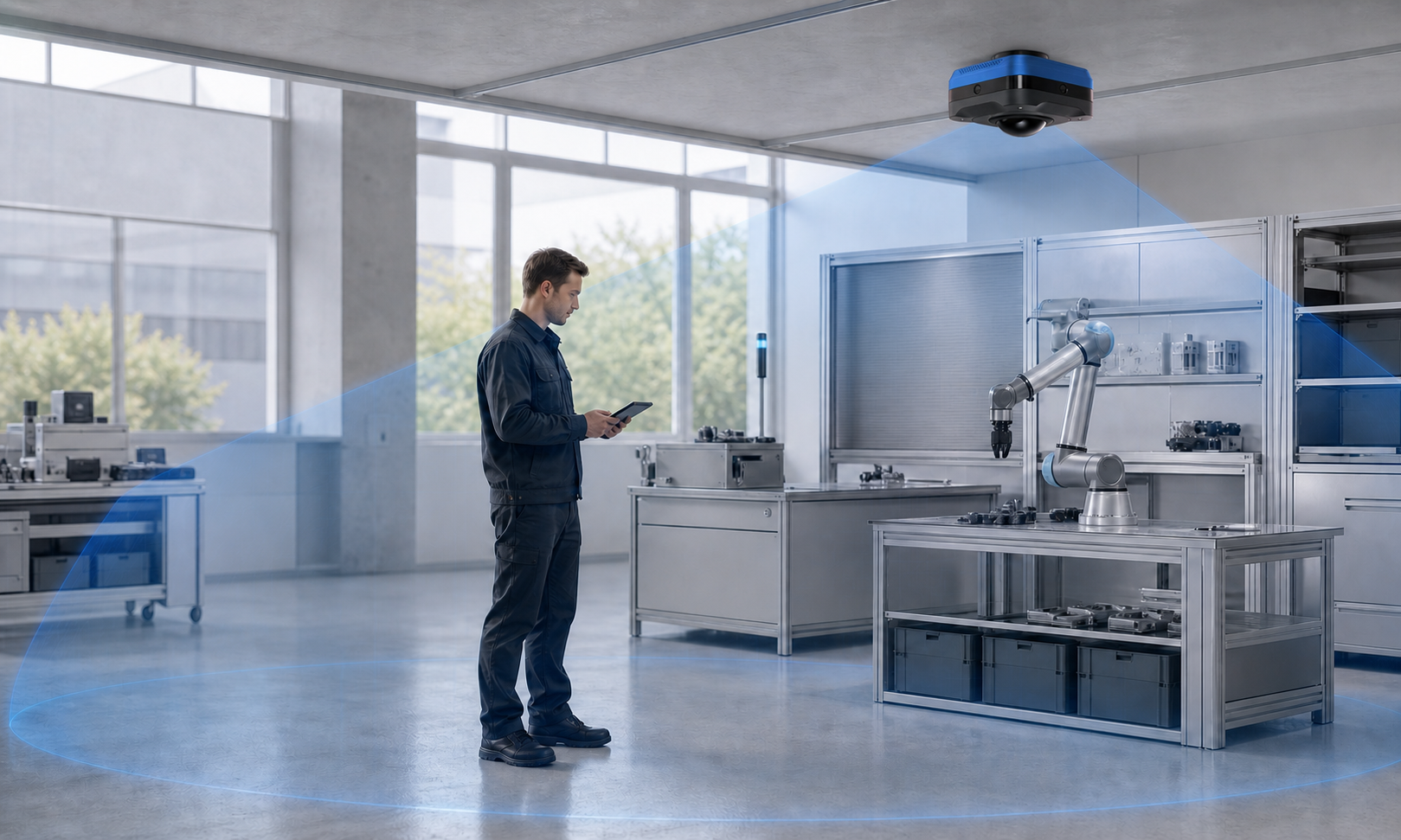
Stationary workcell awareness
A multimodal sensor concept for people, robots, and configurable zones around a workcell.
Explore Halo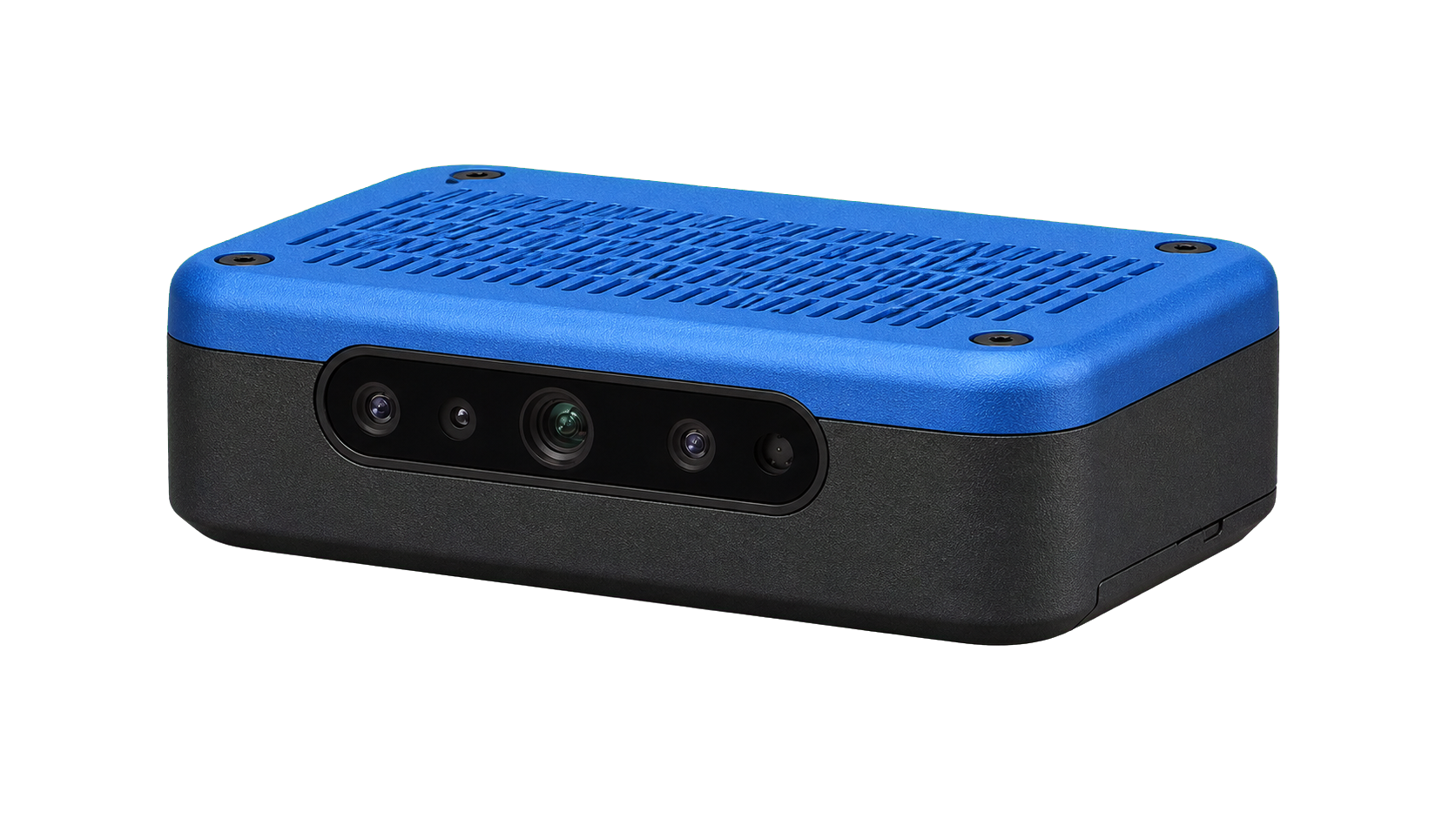
Compact edge compute
A smaller OpenBrain box for focused perception and runtime workloads.
Explore Mini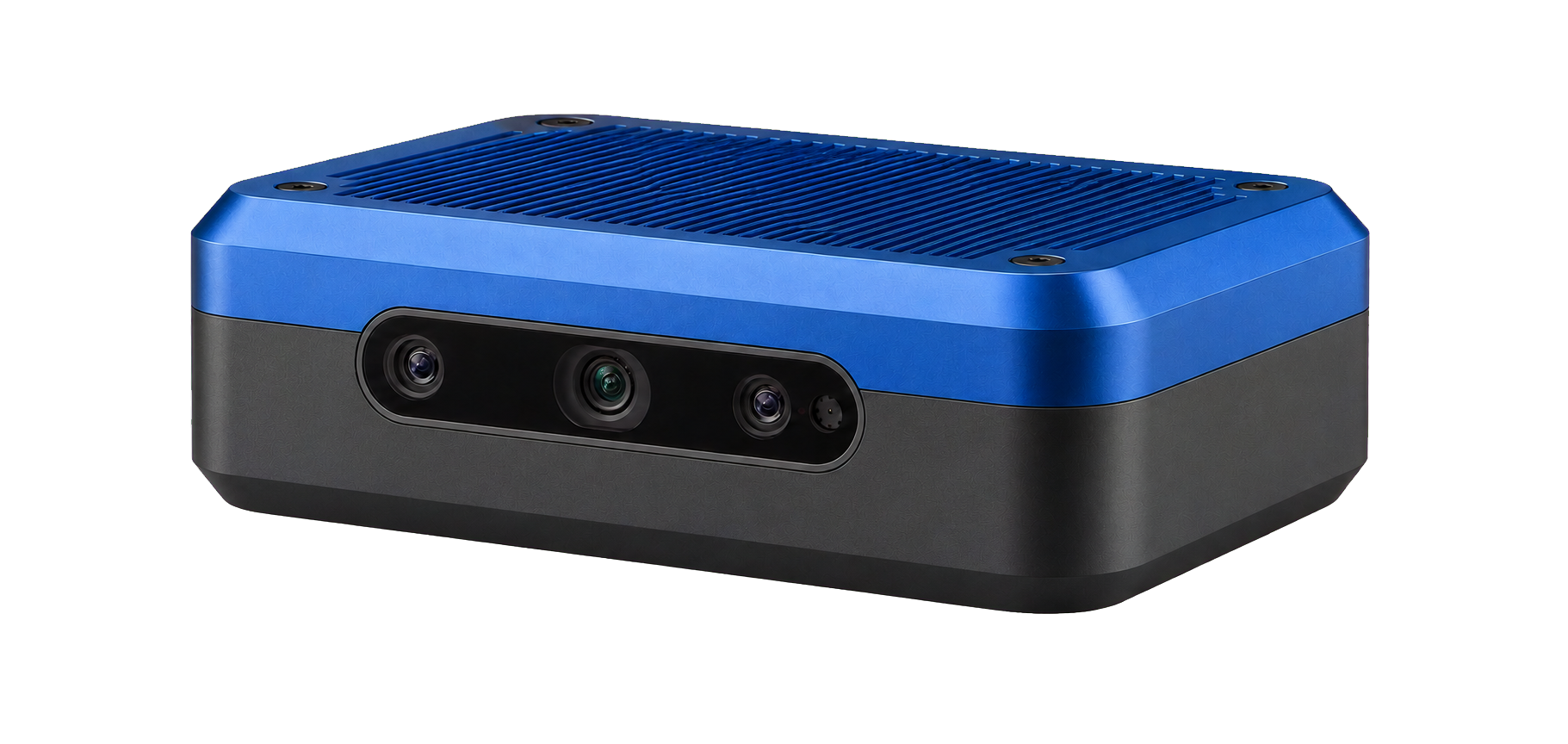
High-capacity edge compute
A modular box for demanding skills, multiple sensors, and production deployments.
Configure MaxHardware is optional. Halo is not currently a certified safety component and does not replace required protective measures.
View the familyCompatibility first
Every supported release defines the robot, sensors, actions, compute, limits, adapter, and validation it expects.
Check your robotOpen foundation
The ROS 2 runtime and browser dashboard are public. The commercial layer is maintained skills, compatibility, custom data, and delivery.
We will match the skills, environments, and objects your workflow needs—or define the custom version.
Questions
OpenKinematics is a robot learning marketplace for maintained skills, simulation-ready training environments, and interactive object packages. We also build custom versions around customer robots and workflows.
Teams can request access to robot skills, training environments, and interactive object packages. Every release carries explicit versions, compatibility, provenance, usage rights, and delivery requirements.
It is a separately priced program built around your robot and workflow. We assemble a dedicated Data Cell and production pipeline, then deliver a private skill, environment, object library, or a complete package. Customer programs are private by default.
Not automatically. Robots differ in kinematics, sensors, actions, compute, limits, and safety requirements. We use explicit adapters and validation for each supported configuration.
No. OpenBrain can run on compatible customer compute. Mini, Max, and Halo are optional products for deployments that need matched edge compute or stationary workcell awareness.